Push.house
Guide
All the information you need to start your first campaign!


All the information you need to start your first campaign!


Here you can find your personal manager’s contact details (Telegram) and leave feedback on their work.
Gain special privileges based on your activity and monthly spending.
Choose your preferred language. Currently, Push.House supports the following languages: RU, EN, UK, ES, PT.
If you have any questions while setting up your campaign, our managers are happy to help.
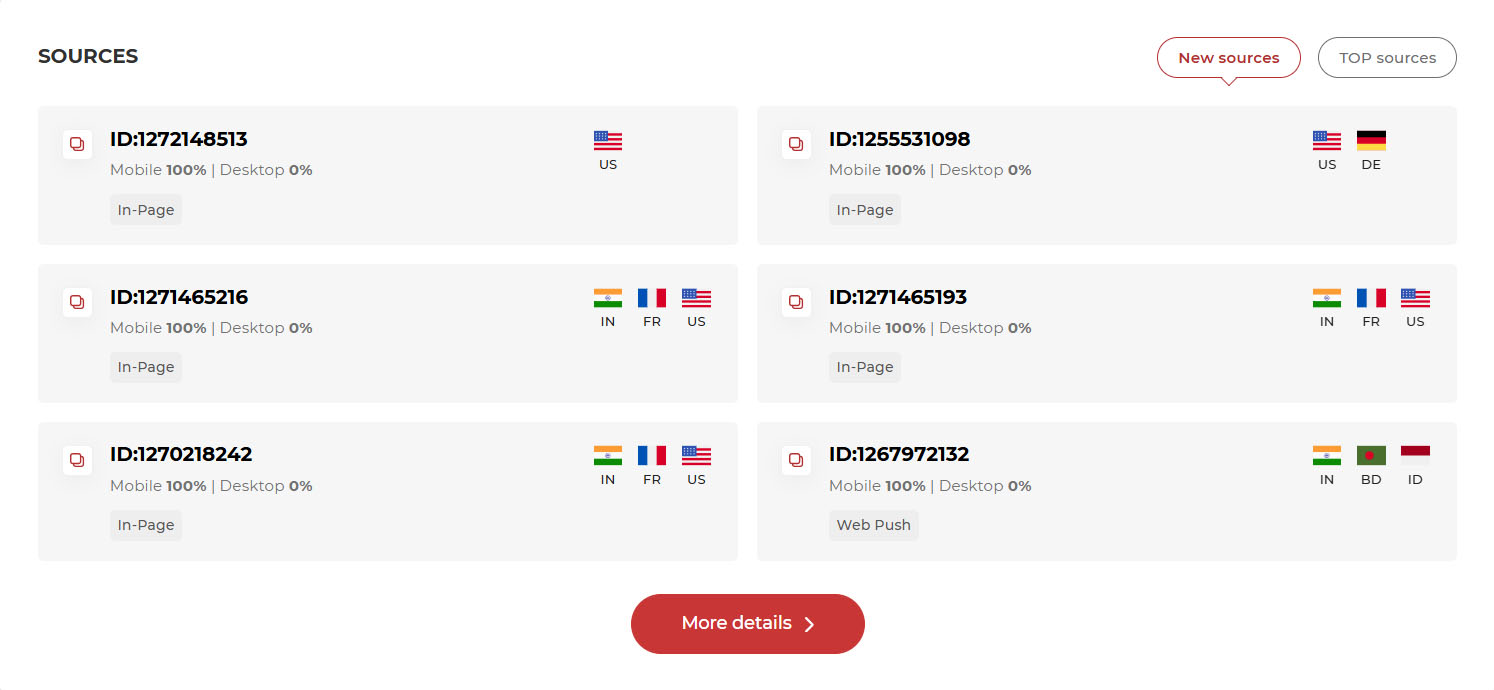
A list of top recommended sources.
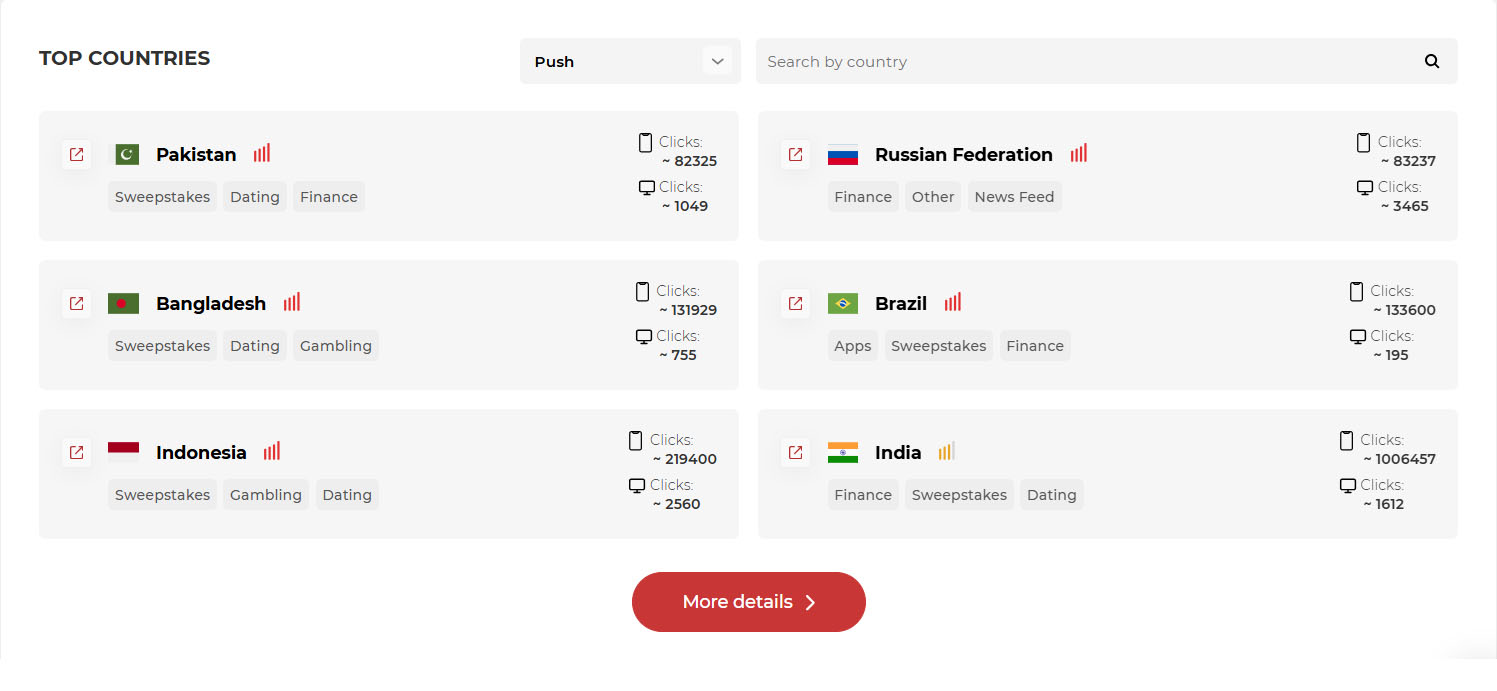
A ranking of countries with the highest available traffic volumes, along with vertical recommendations.
Network Volume & Trends – Statistical data on traffic volume and bids from various devices in a specific GEO over the previous day, including feed traffic.
In the "Network Volume" tab, you can check how many clicks were received from your selected GEO on desktop and mobile devices. You will also find recommended and maximum bids.
This data can be used to estimate potential traffic volume and budget expenses for your chosen GEO and device. The statistics include all campaign data from the previous day and are updated daily at 00:00 UTC+3.
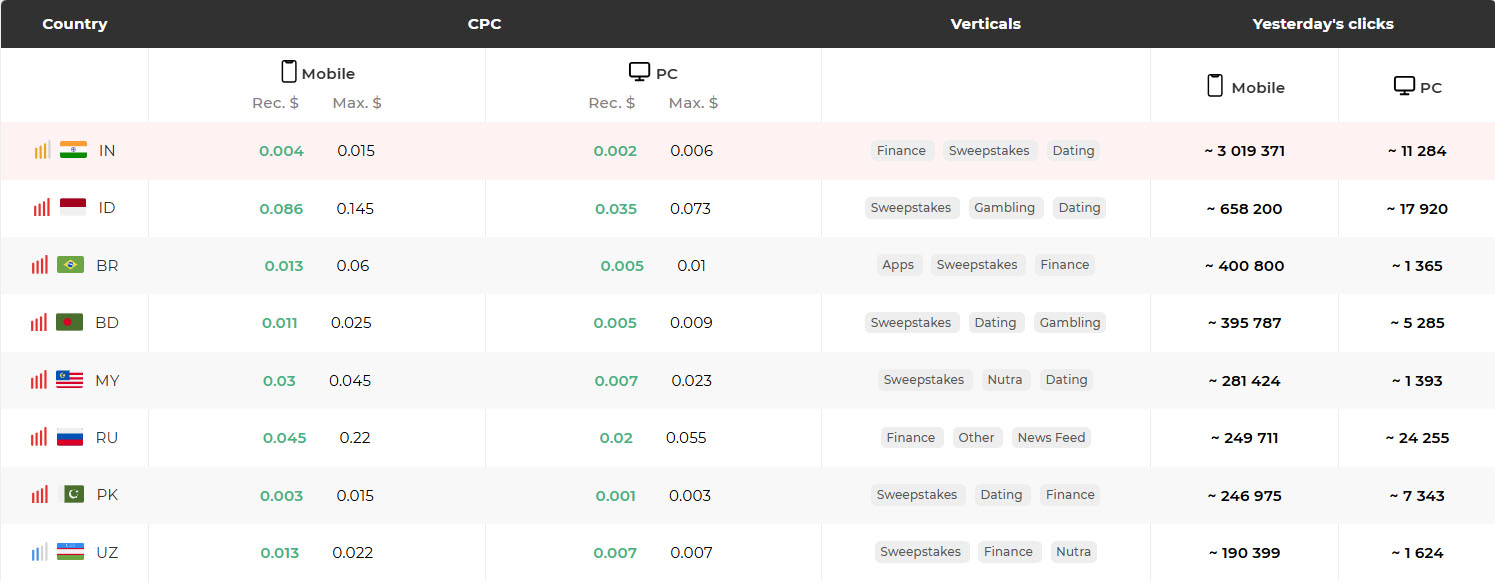
A metric that shows the level of demand and competition in a specific GEO.
Recommended and maximum bids for the selected GEO and device.
The top 3 verticals recommended for promotion in the selected GEO.
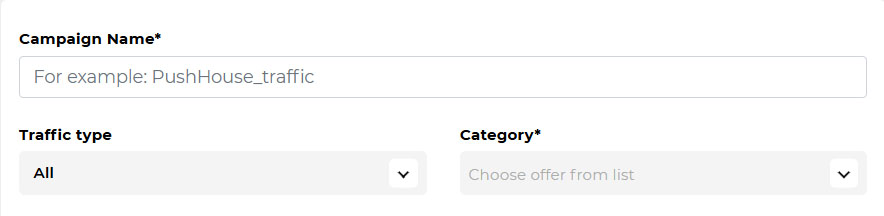
Adult traffic (for 18+ offers) and Mainstream traffic (for all other offers).
Select the vertical that matches your offer.
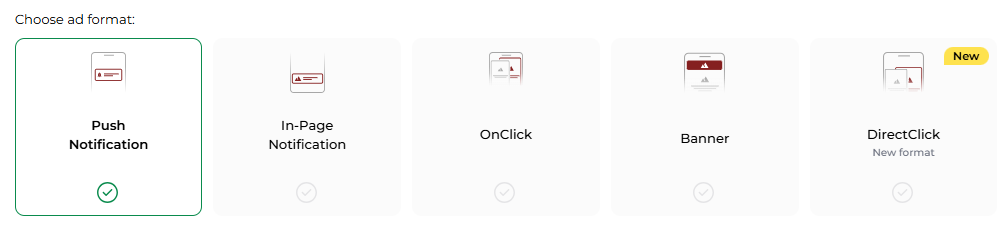
Small pop-up ads appearing on a user’s mobile or desktop screen. They provide high-quality traffic and are delivered only after the user consents to receive notifications.
Banner ads designed to look like push notifications but do not require a subscription. These ads are displayed directly on the website.
Ads that open the offer’s landing page in a new browser tab when a user clicks anywhere on the screen.
The new page opens via a special script embedded in the website code. When the user interacts with the page (e.g., clicks or scrolls), the script triggers the offer’s page in a separate tab.
An ad format that consists of graphic advertising in the form of an image or animation. When a user clicks the banner, they are redirected to the offer’s landing page.
An ad format similar to OnClick, but using more highly optimized zones and sites with high traffic.
A feature that allows you to launch a campaign with multiple ad formats simultaneously.
Example: You create a Web Push campaign, and the system duplicates the settings for In-Page Push and OnClick campaigns. All initial settings are preserved, and the minimum CPC is set automatically based on the selected region.
Need help? Contact your Personal Manager for recommendations on working with all formats.
Add the URL of your landing page or direct link.
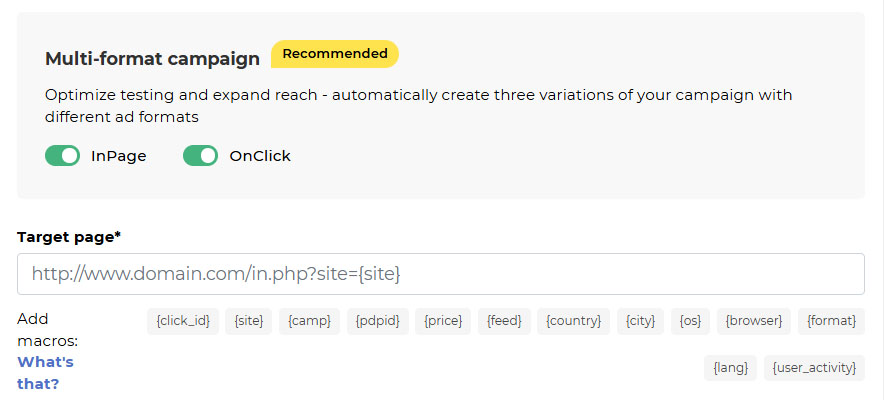
Special parameters that help track and analyze campaign performance based on various metrics. The tool helps improve advertising results and achieve more precise targeting of your target audience.
Macros dynamically replace values based on user interactions, allowing you to gather statistics and optimize your campaigns.
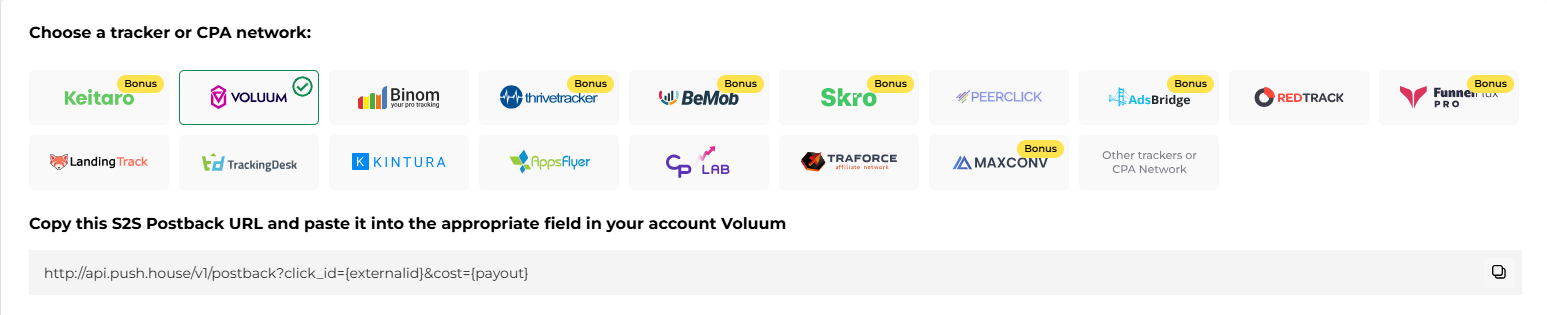
Use macros for postback tracking in a tracker or affiliate network.
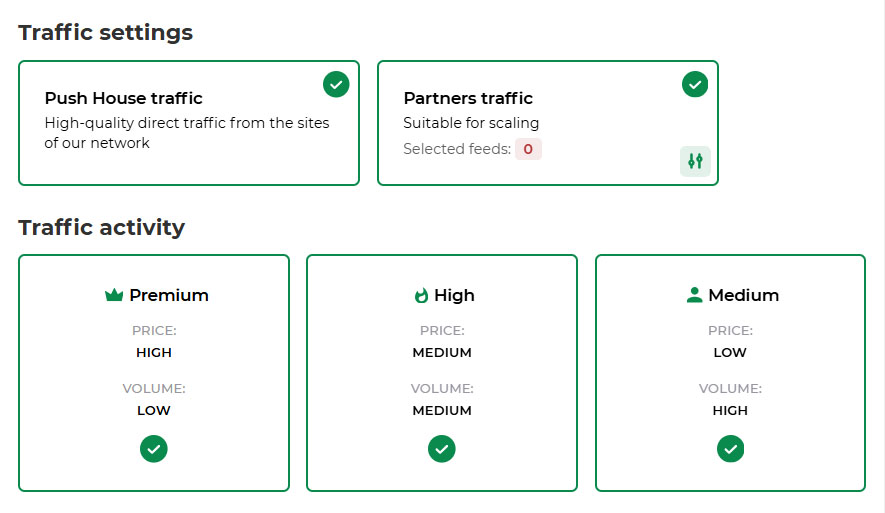
Partner subscription bases where your ads are displayed.
Premium — top-tier engaged audience
High — stable quality with strong volume
Medium — mass traffic with solid conversion potential
Low — high-volume traffic for testing and broad reach
Due to high competition in some GEOs and verticals, it’s best to launch two campaigns:
Why? This split allows you to secure competitive bids for fresh traffic while avoiding overpaying for less active users.
A slider ranging from 0 to 60 days, with the final step set to ∞ — lets you target subscriptions of a specific “freshness.”

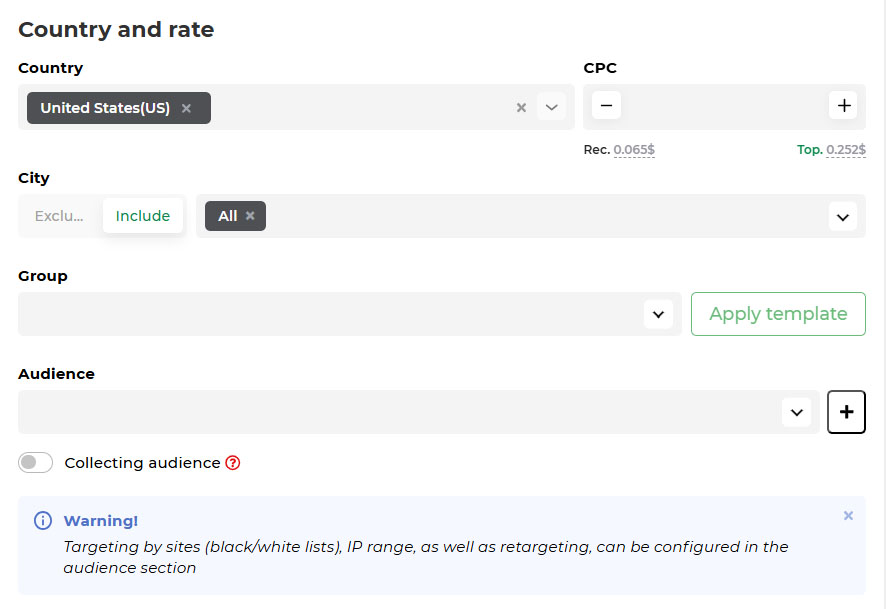
Add up to 30 GEOs. A separate campaign will be created for each of them.
Recommended and maximum CPC rates, which are also available in the Network Volume section. You can start with the recommended CPC or choose a lower bid for testing.
Automatic optimization of cost per result (conversion). The algorithm automatically adjusts bids in real time. Zones with conversions receive bid increases, while zones without results are blocked after reaching the test limit. Since the feature is in beta, delays or inaccuracies in optimization may occur, so we recommend monitoring the campaign manually.
Cost per 1000 impressions. The advertiser pays for every 1000 ad impressions. You can always start with the recommended bid or choose a lower value for more cautious testing. Since the feature is in beta, delays or inaccuracies in optimization may occur, so we recommend monitoring the campaign manually.
Organize multiple campaigns into groups for easier management.
A list of source IDs or IP sources that you can block (Blacklist) or target (Whitelist). Add an existing audience or create a new one.
A feature for gathering user IDs for future retargeting.
Types of devices for targeting:
Choose the operating system for targeting.
The overall spending/click limit (minimum $10 and 1,000 clicks).
The spending/click limit per day (minimum $10 and 1,000 clicks).
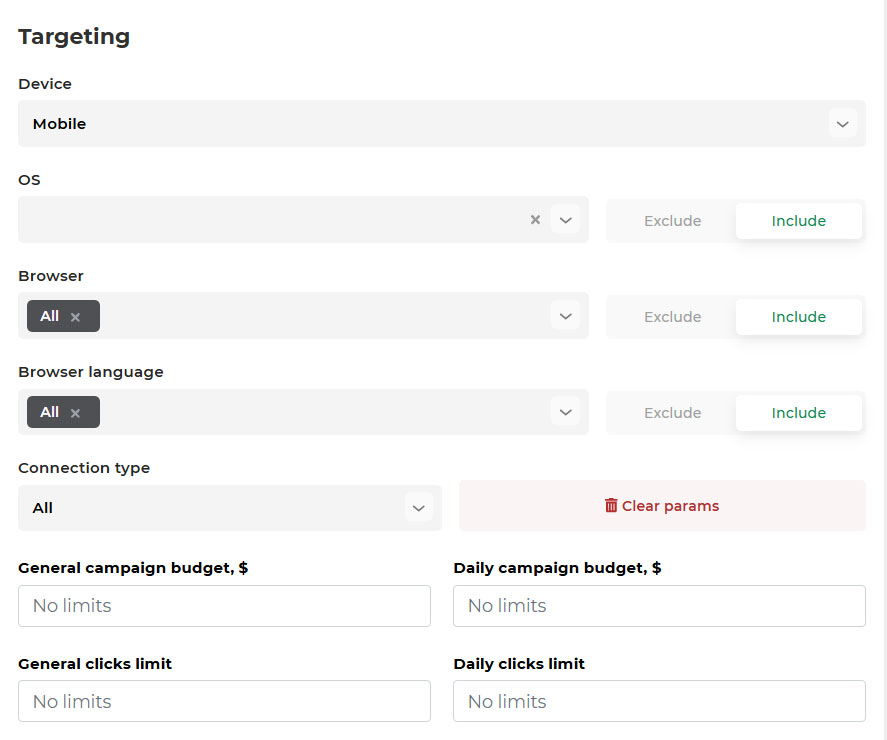
Once targeting is set, the system will analyze and estimate the available traffic volume based on bids over the last 24 hours.
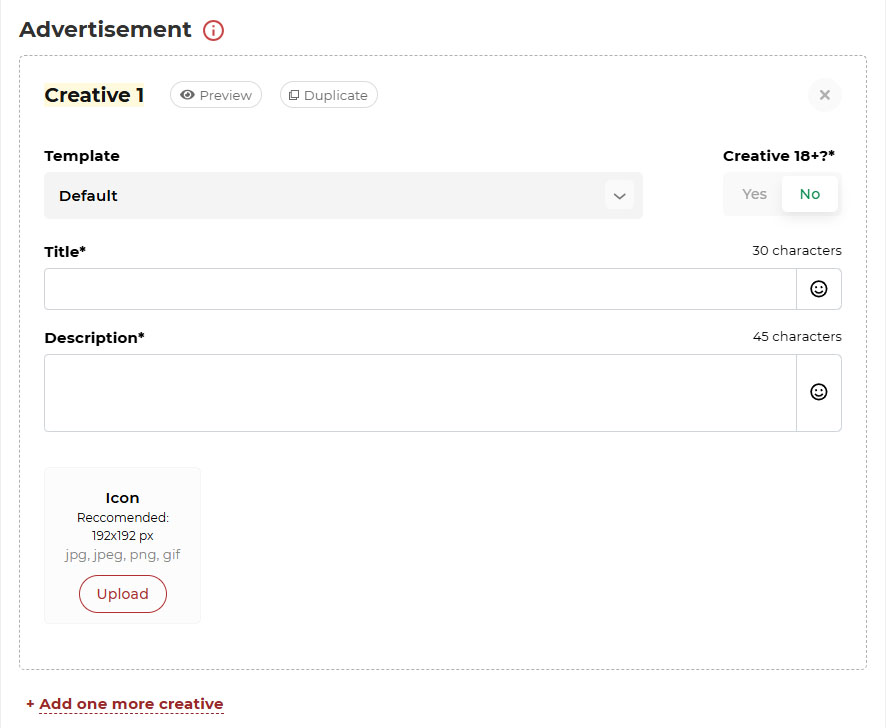
An icon that is suitable for your vertical, which increases CTR and conversions.
Select Yes if your ad contains adult or erotic content.
Customize the CTA button text to increase user motivation. If left blank, default text will be used. Clicking the button is counted as clicking the ad.
Use macros {CITY} {COUNTRY}, which automatically insert the user’s city/country in their browser language.
For creative inspiration and competitor analysis, use our free ad monitoring service – Spy.house.
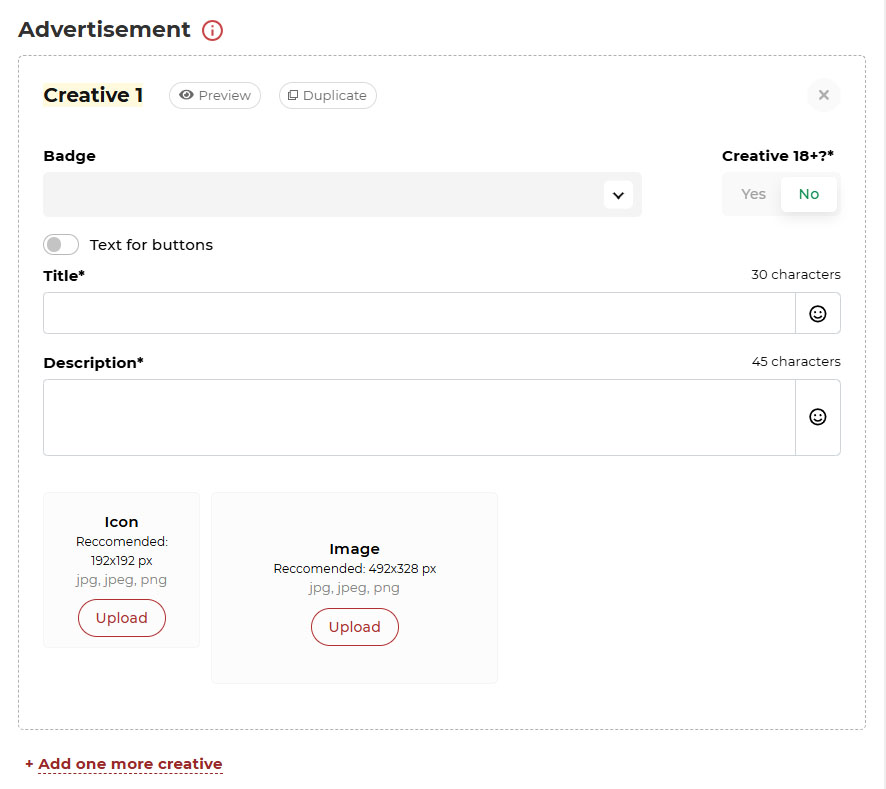
Customize the ad based on a specific OS or social network, including button colors and positioning.
In addition to standard formats, you can use GIFs.
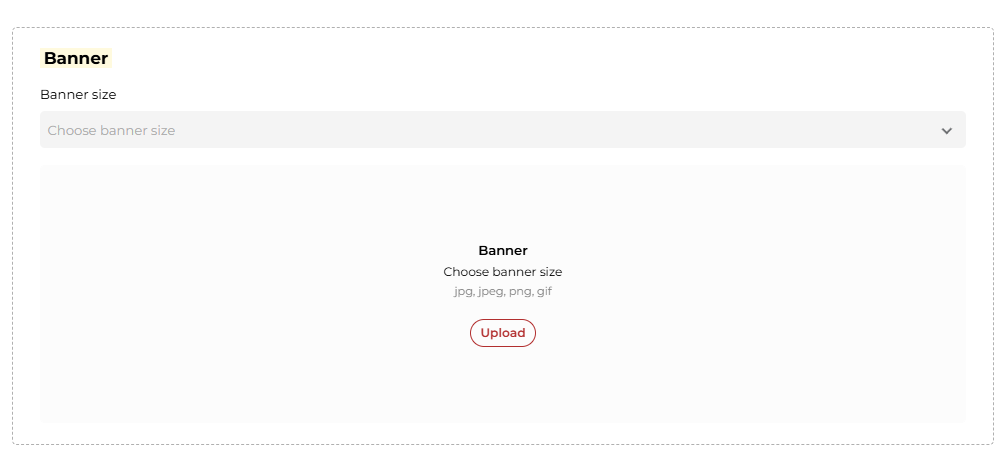
Here you can choose the banner size, 14 sizes: from classic desktop to mobile placements.
In addition to standard formats, you can use GIFs.
After creation, the campaign will be reviewed, and its status changes. Moderation usually takes up to 3 hours.
The campaign is running and receiving traffic.
The campaign is disabled (stopped manually or after moderation).
The campaign is awaiting approval.
The campaign reached its set budget or click limit.
The balance is below $5. Please add funds to continue receiving traffic.
The campaign was rejected. Check the reason, make adjustments, or contact a moderator.
The campaign is paused due to a time-based restriction (e.g., specific hours/days).
The campaign was removed and placed in the "Deleted" section.
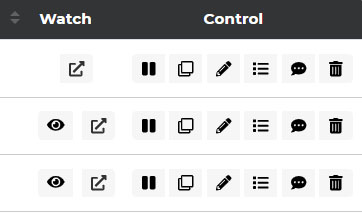
Run / Stop the campaign.
Copy the campaign.
Edit the campaign.
Prices by Platforms – Control bids for specific sources.
Comments – leave notes about the campaign.
Delete the campaign – It will be moved to the "Deleted" section and archived.
WinRate — A metric that shows how often your campaign wins auctions for ad impressions. Higher WinRate = More Traffic. The higher your WinRate percentage, the more successfully your campaign competes with other advertisers, leading to higher traffic volume.

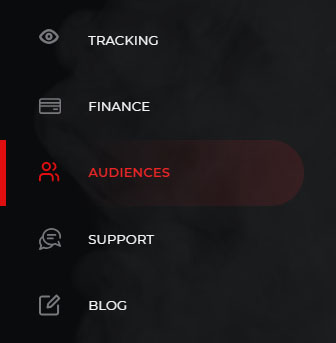
How to Create a White/Black List: Go to the "Audiences" section of the menu.
White List – Use this list if you need traffic from specific operator IP ranges or GEO regions. Here, you can specify IP ranges from operators accepted by your affiliate program, or set up getting traffic from ranges tied to specific cities not represented in our network.

Black List – Used when you need to block traffic from certain operator IP ranges or exclude specific cities not represented in our network.
IP ranges should be specified in this format:
64.233.0.0-64.233.255.255
66.249.0.0-66.249.255.255
74.125.0.0-74.125.255.255
one per line, both in the White or Black Lists.

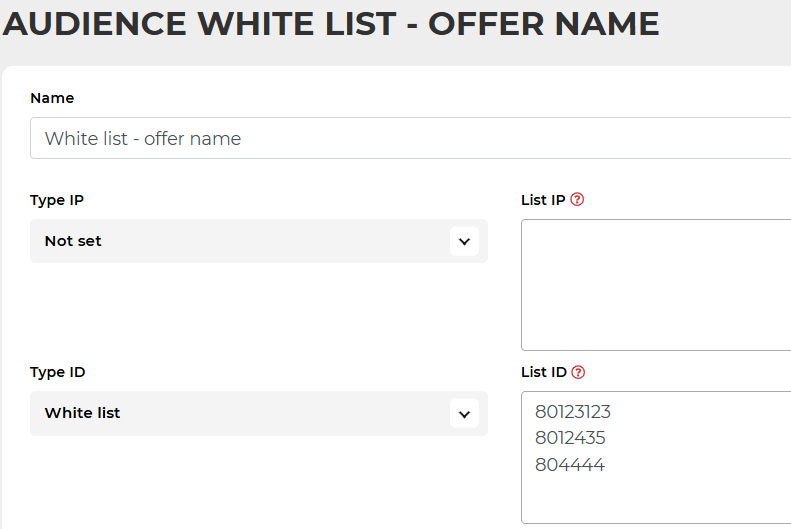
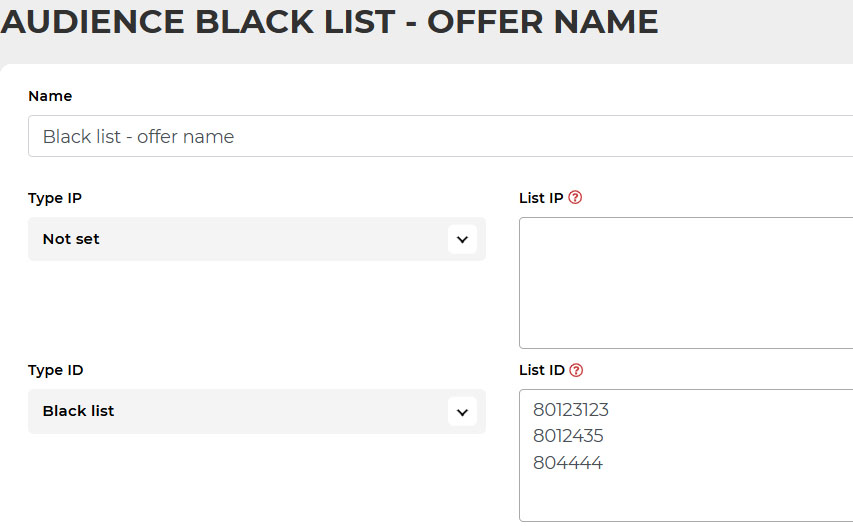
If you want to target a specific audience, such as users who have performed a target action (conversion), specify the subscription IDs. These IDs will be added to the statistics using the macro {pdpid}. Specify each ID one per line.

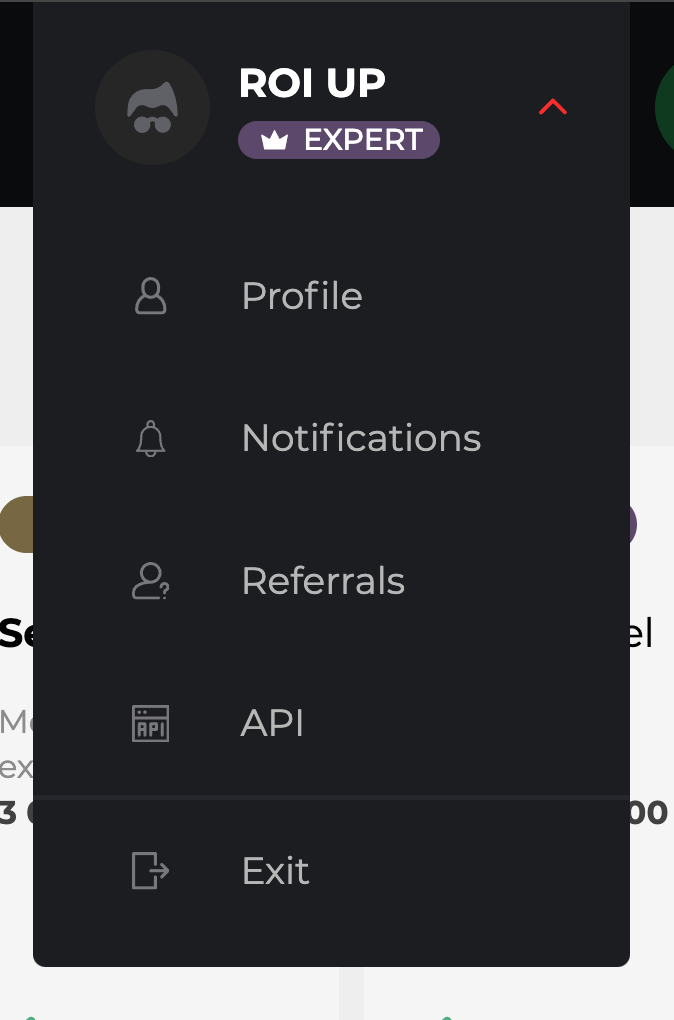
With the API, Push.House advertisers can not only fully automate their advertising account management but also:
With the API, launching and controlling your advertising campaigns will become more convenient and effective. Don’t miss the opportunity to optimize and enhance your experience with our ad network.
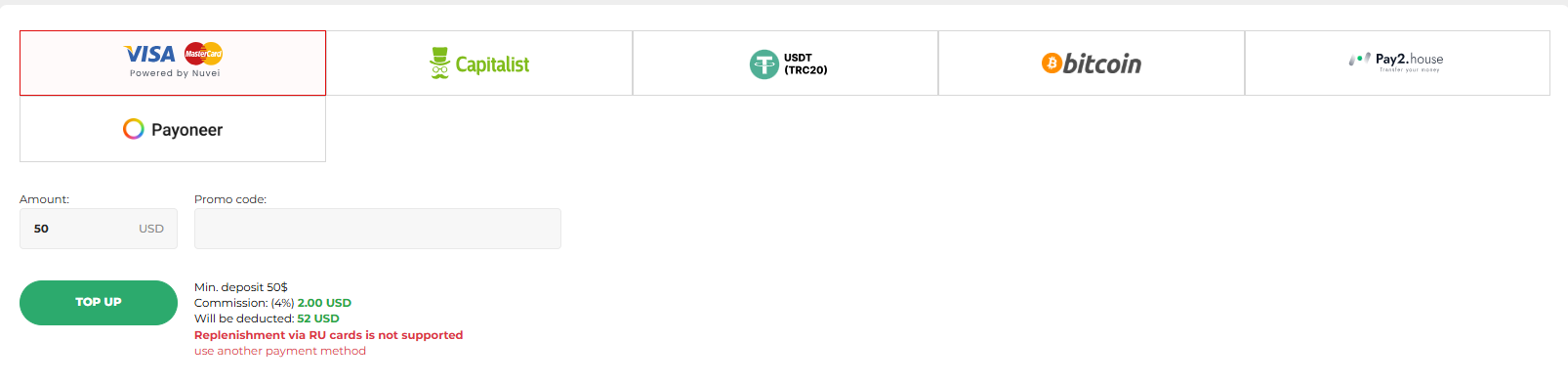
When depositing USDT (TRC20) with an amount of $6000 or more, you will receive a bonus. The bonus cannot be combined with other promotions.
After making a deposit, you can apply a promo code, if you have one. Promo codes can be received from our Telegram chat bot or your account manager.
Contact your personal manager at the top of the page
or
use the support chat in the bottom right corner.
Follow Us on Social Media
Stay updated with the latest news and updates from the Push.House ad network!